Introduction
The Fohr Pixel is a powerful feature to helps brands measure the real impact of influencer marketing campaigns. It allows brands to see how influencer content drives website visits, conversions, and customer actions giving them data-driven insights to make smarter marketing decisions.
Quick notes before you dive in
Benefits of Pixel Include:
- Prove ROI for Influencer Campaigns
- With the Fohr Pixel, brands can track how influencer content actually leads to website traffic and sales, instead of relying only on vanity metrics like likes and comments.
- Optimize Campaigns in Real-Time
- Brands can see which influencers drive the best results and adjust their strategy while the campaign is still running.
- First-Party Data for Better Targeting
- Unlike social media platform analytics, the Fohr Pixel gives brands direct, first-party data on who visits their site helping them build better marketing audiences.
Training Materials
this section holds all the training materials you need to understand Pixel.
How It Works (Simple Version)
- Fohr provides the brand with a small piece of tracking code (a "Pixel").
- The brand’s internal engineering team must add this Pixel to their website (on pages they want to track).
- The engineering team must also set up event tracking to measure key actions like purchases, sign-ups, or add-to-cart events.
- Whenever someone visits the website after seeing an influencer's content, Fohr tracks the visit.
- Fohr compiles the data into reports that show:
- Which influencers drove the most traffic.
- How many visitors took action (purchases, sign-ups, etc.).
- The overall impact of the campaign.
What Can the Fohr Pixel Track?
- Website Visits: See how many people land on the brand’s website from influencer campaigns.
- Conversions & Sales: Track sign-ups, purchases, and other key actions (requires the brand’s internal engineering team to set up event tracking).
- Influencer Performance: Compare which influencers drive the most valuable traffic.
Important Setup Requirements
- The brand’s internal engineering team must be involved to implement the pixel.
- Basic setup requires adding a short piece of code to the website.
- To track conversions (sales, sign-ups, etc.), the engineering team must configure event tracking in the pixel.
- Fohr provides technical documentation to guide the implementation, but the brand’s tech team must handle the actual setup.
Accessing Pixel
- Pixel is only available to brands who it has been sold to. For these brands, a “Pixel” tab will appear on the left navigation bar. Click this to open to the Pixel.
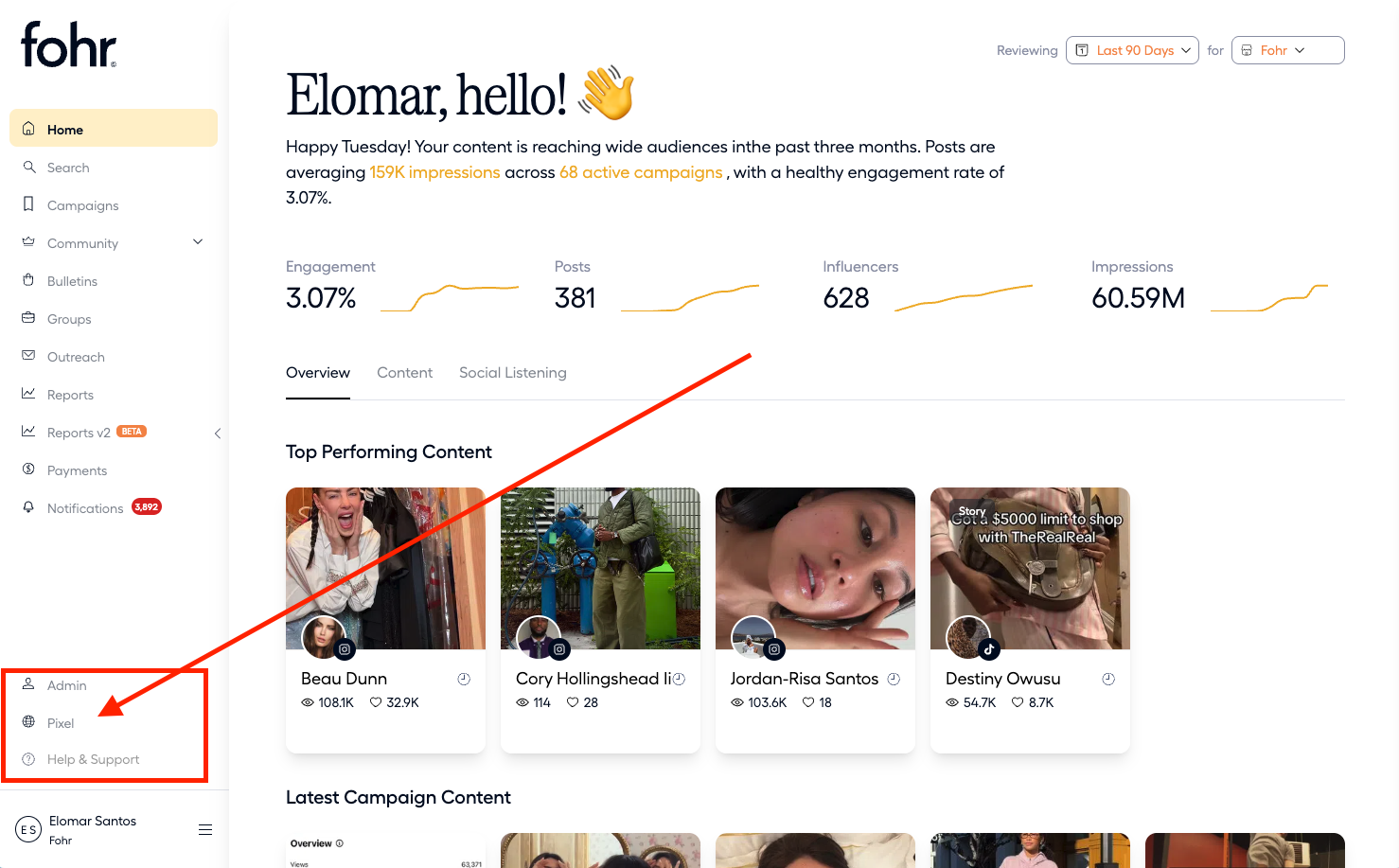
- Within the pixel you can view key metrics about your campaigns. The dashboard displays holistic information whereas the campaigns section is specified per campaign
- Key metrics include:
- Total sales
- Product performance
- Ambassador performance